Good morning
Curtains open. The lights come on.

Lights, the fan, the air, and the curtains. On the wall, and in one app.
Book a visit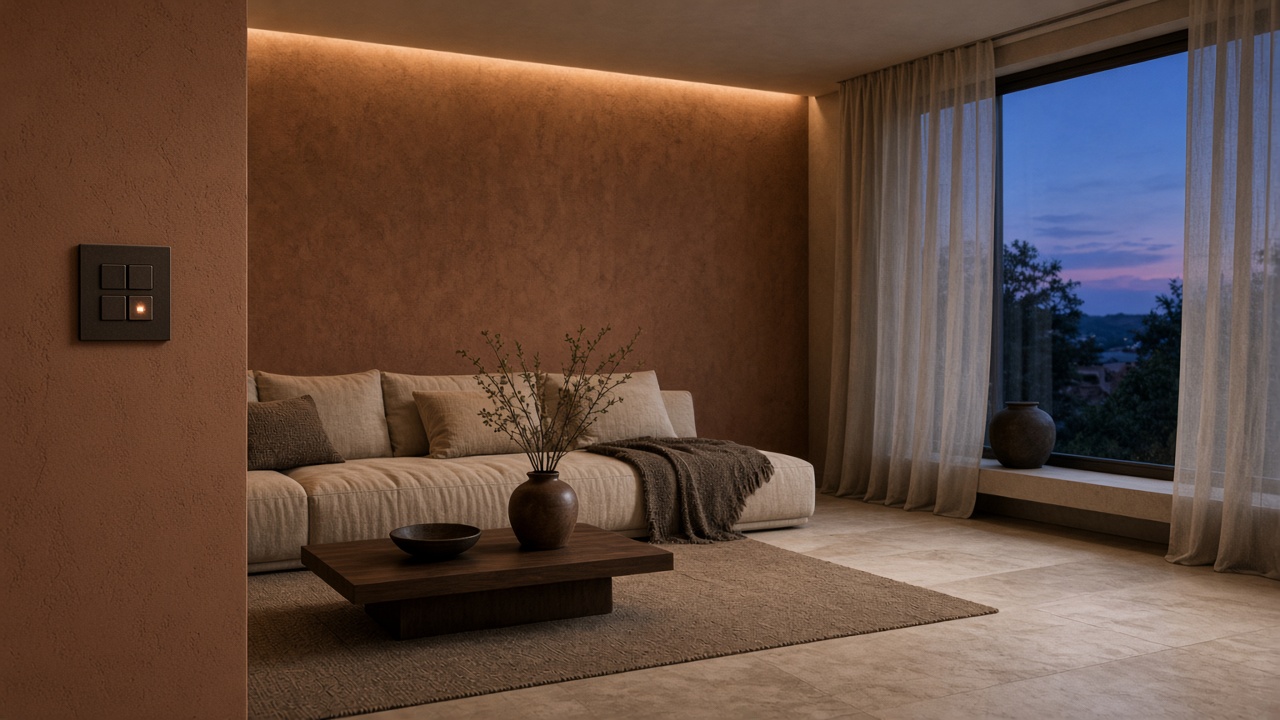 Lighting
On, off, and dim.
 Fans and AC
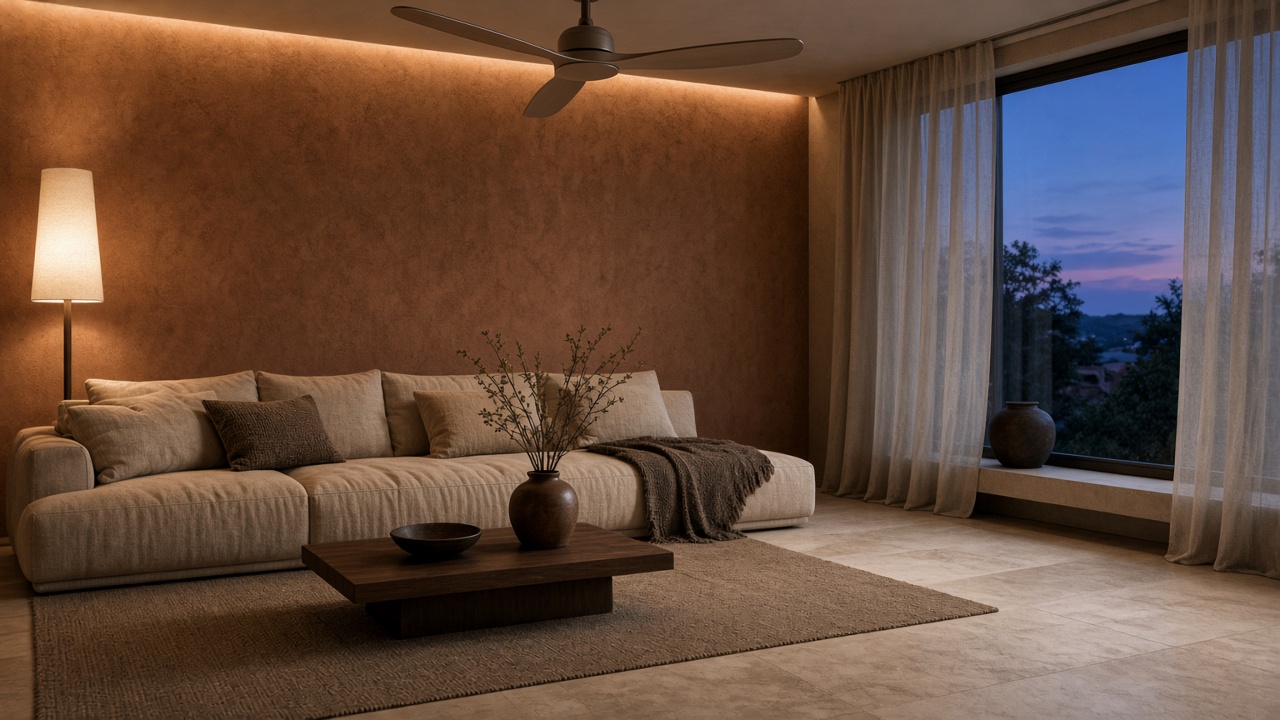
The fan, and the air.
 Curtains
Open and close.
In the rooms that need them.
 Scenes
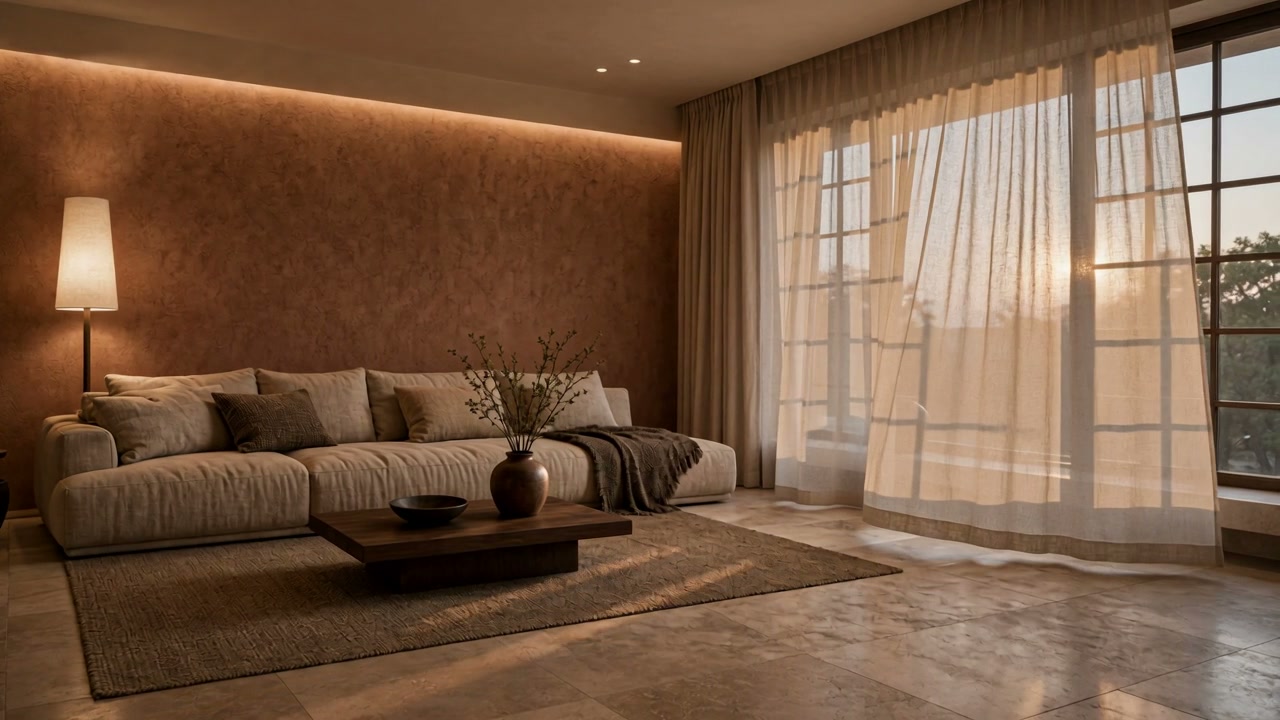
Good morning, movie, and leaving.
 Movie
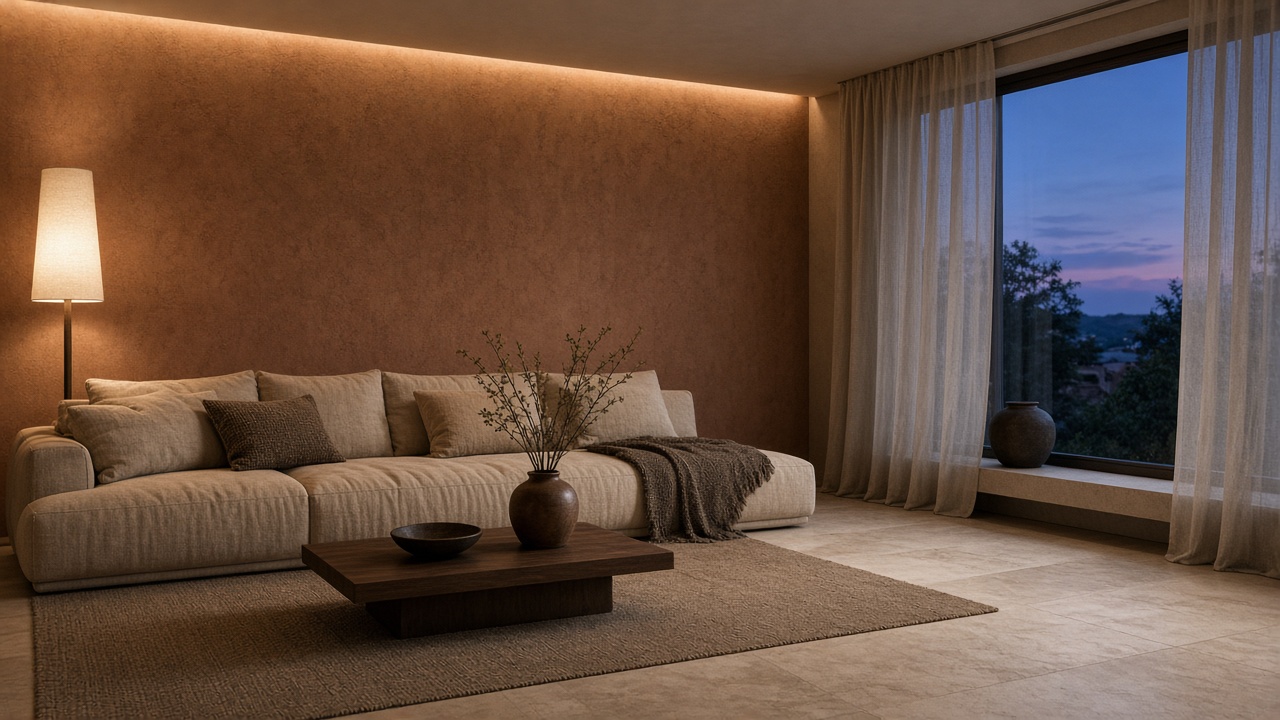
Lights down. The air is set. Curtains close.
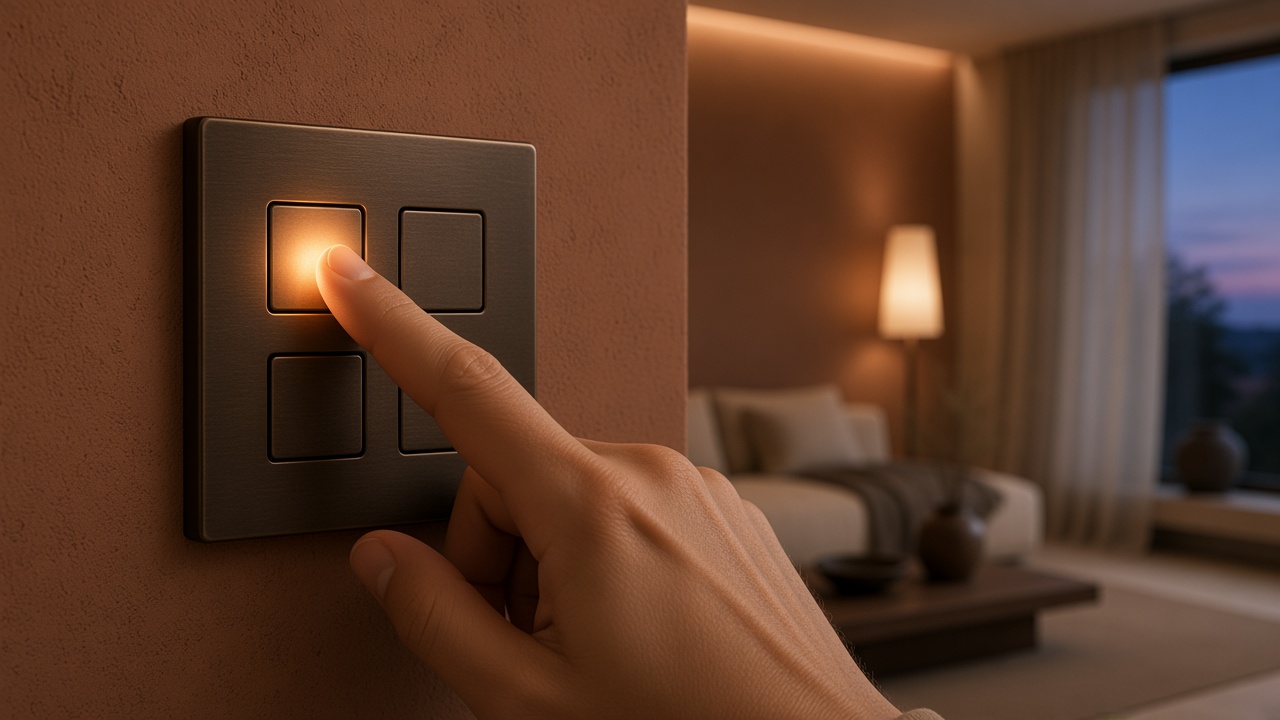 Leaving
One key turns the room off.
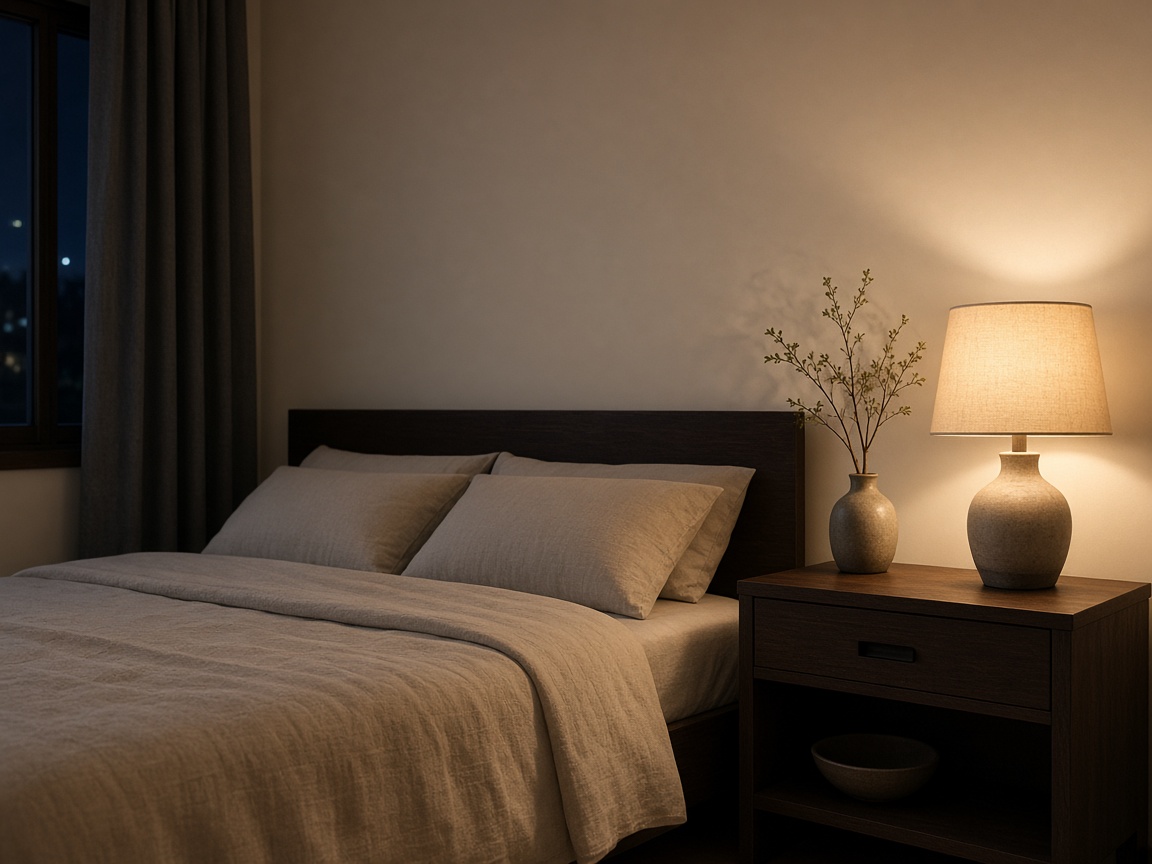 Night
The bedroom, with the lamp left on.
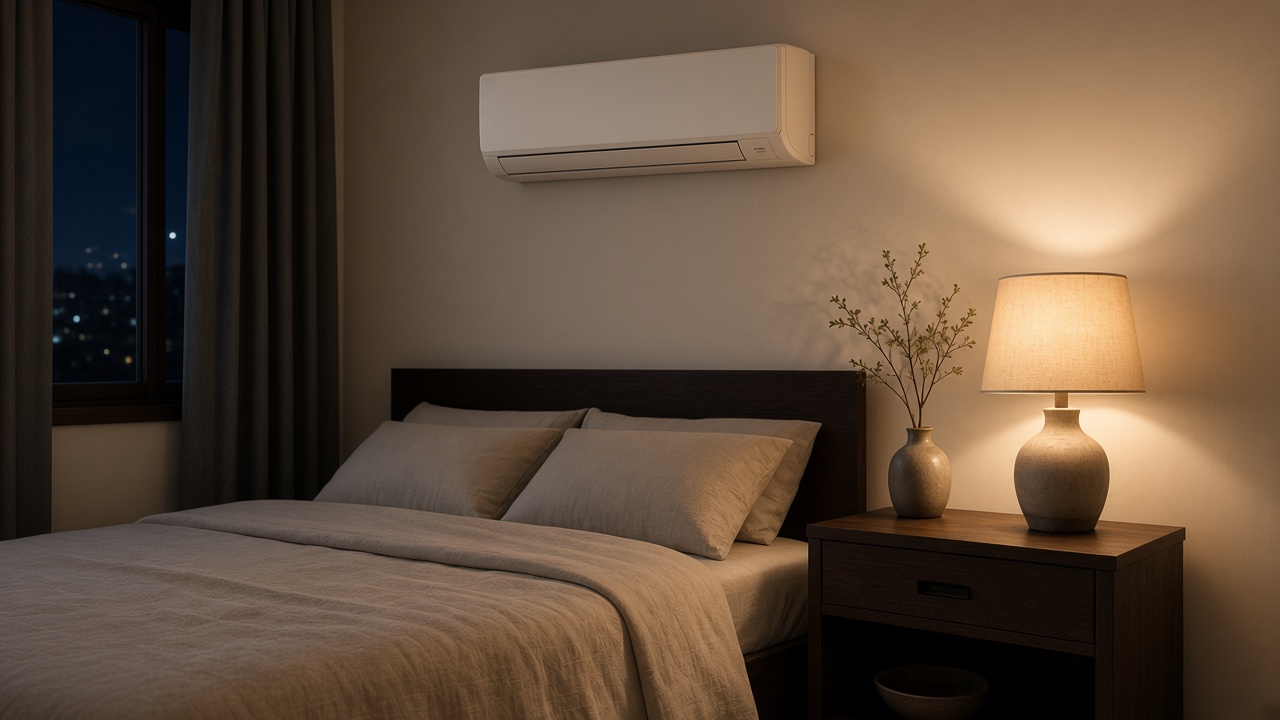 The air
, in the bedroom.
Living
Lighting, fans and AC, curtains, sensors, scenes.
Bedroom
Lighting, fans and AC, curtains, sensors, scenes.
 Kitchen
Lighting, fans and AC, sensors.
Whole home
All five jobs, from one key and one app.
Curtains open. The lights come on.
Lights down. The air is set. Curtains close.
One key turns the room off.
1. The roomsName, phone, city, and whether the home is new or already lived in.
2. The visitSomeone comes to the home. The page does not decide the wiring.
3. The planRooms, jobs, and what is left out. The price is in that plan, not on this site.
4. The workInstallation follows the agreed plan.
5. The handoverThe key on the wall, and the app, with the routines you will actually use.
6. AfterSupport stays with the same request. The terms are written in the plan.
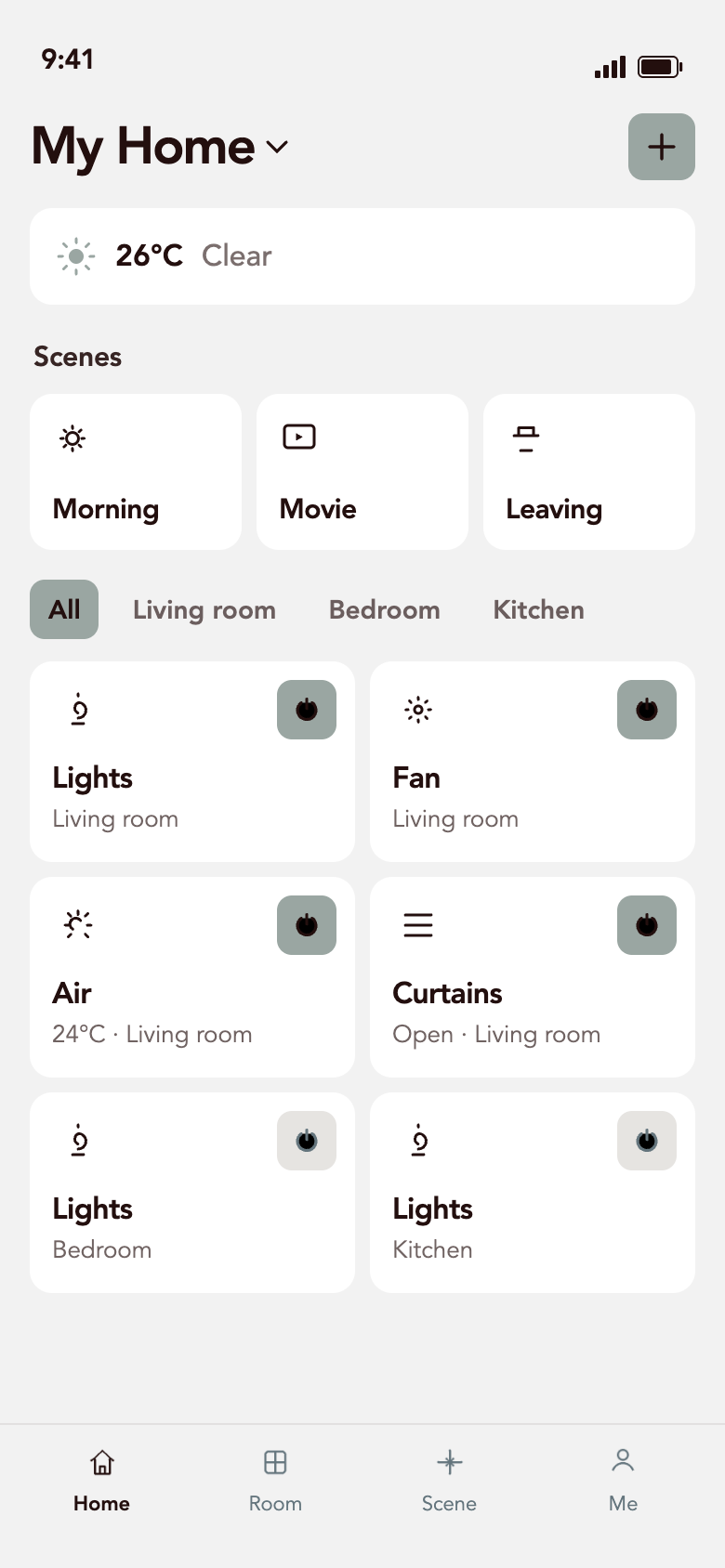
Home, Room, Scene, and Me. Turn a room on from the phone, or from the key on the wall.
An existing home, or a new one. Tell us the rooms.